Every warehouse move, in Logo Edge the moment it happens.
iyibir WMS moves warehouse work onto the mobile terminal. The operator scans the barcode, reviews the summary and confirms; the transaction is written to Logo Edge and read back with its voucher number. From goods receipt to dispatch, from counting to subcontracting: the record is created with the work itself, not after it.
No card details · your Logo license is not touched
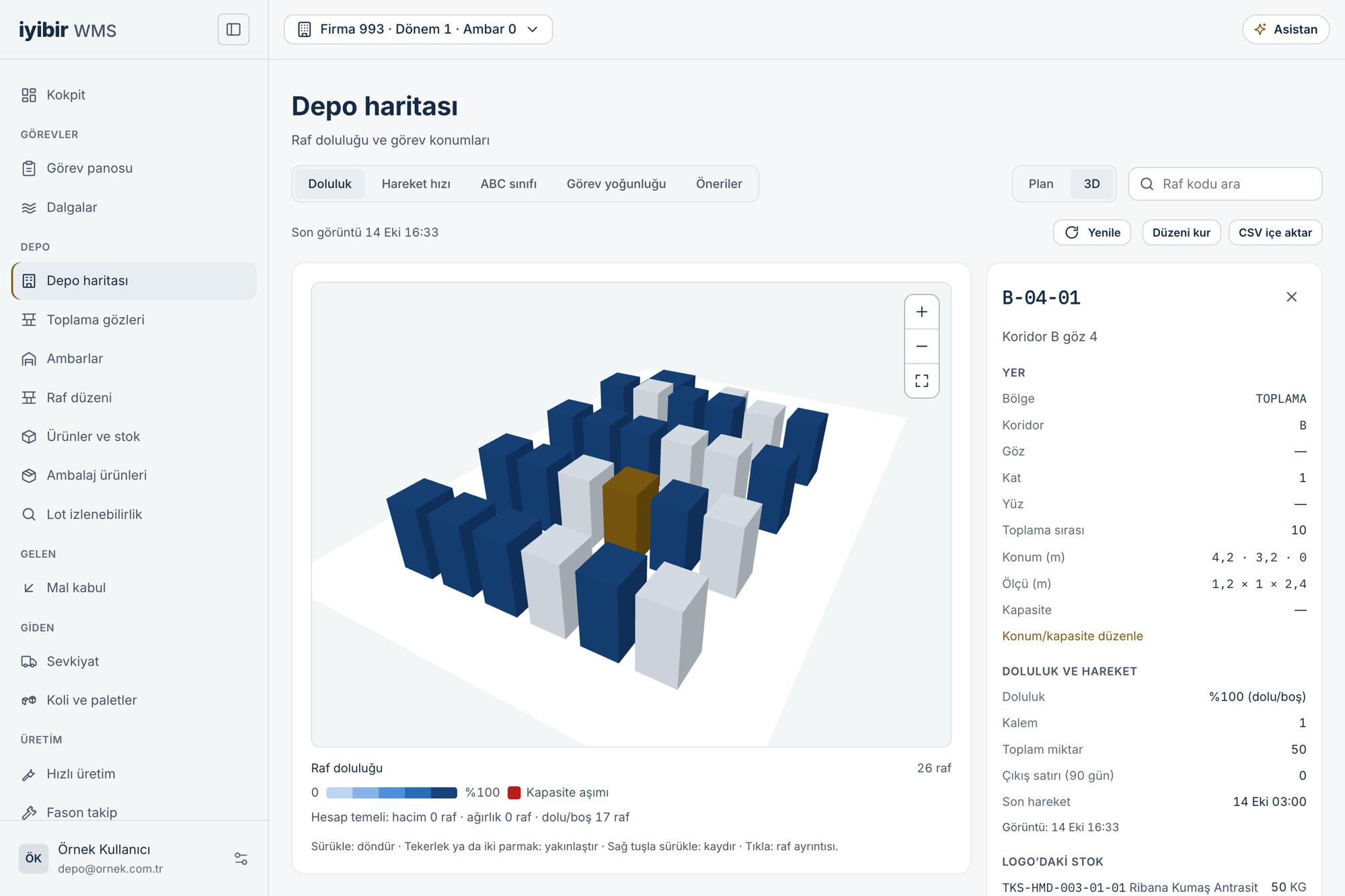
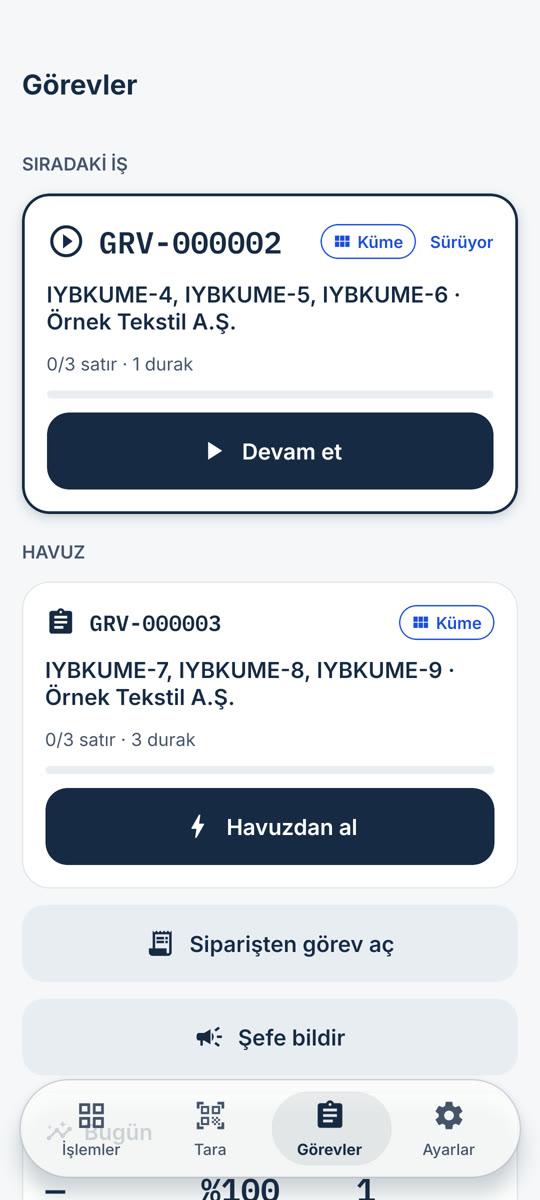
Highlights
- Run warehouse work by talking.AI Mode is an AI shell inside the mobile app that runs warehouse work. You scan or say the item; the line is prepared, read back to you and written to Logo only on your approval.
- AI ModeAI never writes to Logo on its own: every record goes through a preview and a person's approval. It does not make up quantities or shelves; when unsure, it asks.
Frequently asked
How does the Logo integration work?
iyibir WMS treats Logo Edge as the source and keeps no second stock ledger. The operator scans the barcode and confirms the summary before sending; the transaction is written to Logo and read back with its voucher number. Your Logo Edge stays as it is; your screens and habits do not change. The connection runs through the iyibir PaaS Agent: the iyibir team installs it on your server, it is managed from the iyibir Cloud panel, and it reaches your Logo database without opening it to the internet — the connection is opened outward by the agent. Your Logo Edge installation stays on your server, and its data is not copied into iyibir Cloud.
How do I get started?
“Get started” opens your iyibir Cloud account, and 5,000 credits are free at sign-up. If you already have an account, “Sign in” takes you to the panel.
How does getting started work?
It takes three steps. First, the iyibir team installs the iyibir PaaS Agent on your server. Then you download the app from Google Play and start using it. Support is optional; if you want it, it is charged from credits. There is no separate installation project.
Which devices does it work with?
The mobile app runs on handheld terminals and mobile devices, working by barcode scan. We check together that your devices are suitable before you start.
How does AI Mode work?
AI Mode lives inside the mobile app and works with the signed-in person's permissions. You scan or say the item; AI prepares the line and reads it back to you. Writing to Logo goes through the same preview as the manual screens and your approval; AI never writes on its own. No audio is kept. AI jobs are not part of the worked user-day; they deduct credit equal to their real cost separately.